
Not-For-Profit Microsoft 365 Specialists
Microsoft 365, SharePoint and AI consultants for charities, community services, disability and NDIS providers, and housing and family services across Australia and New Zealand.

Some of the Not-For-Profits We've Worked With


Microsoft 365, SharePoint and AI, set up for the way not-for-profits work.
We help not-for-profits bring order to their information, protect sensitive information about the people they support, and get staff and volunteers using the tools they already have. Less time on admin. More time for the people you support.
What we help not-for-profits with
Microsoft 365 and SharePoint health checks
Find out what's working, what's risky and what to fix first, before you commit budget.
Intranets for staff and volunteers
One place for news, policies and forms that frontline staff, volunteers and head office actually use.
Safe AI adoption
Use Microsoft Copilot, Claude and ChatGPT without putting information about the people you support at risk.
Policy and document management
Policies, procedures and evidence organised and controlled, ready for audits and accreditation.
Governance and permissions
The right access for staff, volunteers, contractors and board members, and nothing more.
Automated forms and workflows
Cut paper forms, email chains and double handling in intake, approvals and funder reporting with Power Automate, saving your team time.
What we hear most from not-for-profits
“Audits and funder reports mean chasing documents everywhere.”
How Sope helpsWe bring your policies, procedures and evidence into one controlled place in SharePoint and Microsoft 365, with owners, versioning and review dates, so audits, accreditation and grant reporting stop being a scramble.
“Who can see info about the people we support with AI?”
How Sope helpsWe tighten permissions and governance across Microsoft 365 and get you ready for Copilot and other AI tools, so staff and AI only see what they should, and information about the people you support, your donors and your staff stay protected.
“Our frontline staff and volunteers waste time hunting for policies, forms and updates.”
How Sope helpsWe give frontline staff, part-timers and volunteers a simple, mobile-friendly intranet and automate everyday forms, so everyone gets what they need wherever they work and less time goes on paperwork.
Featured not-for-profit projects


OzChild
Their new intranet, OzPoint, reached 100% adoption in its first 30 days, bringing policies and procedures into one Knowledge Hub.

Launch Housing
From 9 users on the old intranet to 100% engagement across 450 staff.

Barossa Enterprises
An automated app cut the time to produce their monthly NDIS report by at least 50%.
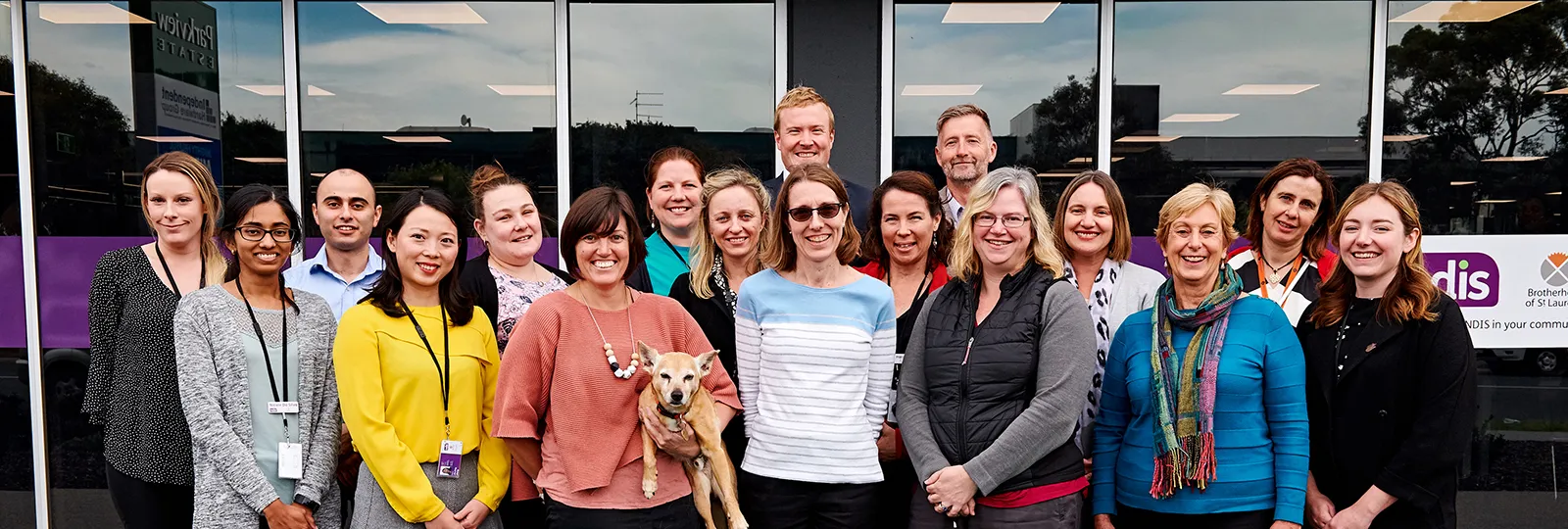
Brotherhood of St. Laurence
One intranet and search for policies and procedures, with the right documents available to the right people.
What not-for-profits say about working with Sope

“The Hive has been fantastic! Staff have found it so much easier to locate information and collaborate seamlessly. It's revolutionised our document management system, providing a single source of truth for the organisation.”
“I needed somebody to speak layman's language and take me on that journey.”
“I also liked that Sope didn't try to over-sell us with a solution that was beyond our means or too grand for our purposes.”

Frequently asked questions
What does a Microsoft 365 consultant do for a not-for-profit?
A Microsoft 365 consultant like Sope helps a not-for-profit get more from the tools it already has. That means organising documents and policies in SharePoint, setting the right access, building an intranet for staff and volunteers, automating forms, and rolling out AI safely. We've done this for the Brotherhood of St. Laurence, OzChild, Launch Housing and CVGT Employment.
Can you work within a not-for-profit budget?
Yes. We can start with a short discovery so you know your priorities before committing to more. Larger work can be delivered in phases to fit your budget and funding cycles, and we can provide indicative estimates for budget and grant submissions.
Can not-for-profits get Microsoft 365 at a discount?
Yes. Eligible not-for-profits can get Microsoft 365 at discounted not-for-profit pricing through Microsoft's nonprofit program. We can help you work out which plans suit your organisation.
Is SharePoint a good intranet for a not-for-profit with volunteers and part-time staff?
Yes. A SharePoint intranet works on desktop and mobile, so frontline staff, part-timers and volunteers can get news, policies and forms wherever they are. Each person needs a Microsoft 365 account to sign in, and we'll help you plan the right setup for your volunteers.
Is Microsoft Copilot safe for not-for-profits that handle sensitive information?
It can be, with the right setup. Copilot only shows people content they already have permission to see, so getting your permissions and governance right first is the key step. We help you do that before you roll it out.
Can Sope support us after the project is finished?
Yes. We train your team and hand over clear guides so you can run things yourselves. If you'd rather have ongoing help, SopeCare can support your team day to day.
Why not-for-profits choose Sope
Technical wizards who talk human
We explain everything in plain English, with no jargon, so your team understands every step and can run things after we leave.
Secure by design
We're ISO 27001 certified for information security, which matters when you're looking after sensitive information about the people you support.
Built around your budget
We start with what matters most, phase the rest to fit your budget and funding cycles, and recommend what fits your organisation, not the biggest option.
What's slowing your team down?
Scattered documents, audit stress, AI questions, staff who can't find what they need?
Tell us what's going on, and a specialist who works with not-for-profits will get back to you. You can also book a meeting time directly after you submit the form.
Not sure where to start? We can begin with a short discovery to work out your priorities.