Hiring a SharePoint consultant is not a difficult decision to make badly. Most organisations only do it once every few years, the market is full of firms whose websites say almost identical things, and the difference between a good and bad engagement rarely shows up until several months in — by which point you have paid for it either way.
We are a SharePoint consultancy, so we are hardly neutral. What follows is still the advice we would give a friend: the questions that actually reveal something, the warning signs worth taking seriously, and the situations where you would be better off not hiring anyone at all.
First, work out what you are actually buying
“SharePoint consulting” covers at least five different jobs, and firms are rarely equally good at all of them. Being clear about which one you need will narrow the field faster than anything else:
- Intranet design and build — communications, news, policies, a front door for the organisation. This is a design and content problem as much as a technical one.
- Migration — moving off file shares, an older SharePoint version, or another platform. Mostly a planning, mapping and change-management exercise.
- Document management — structure, metadata, retention, and making search work. Deeply unglamorous and often the highest-value work.
- Custom development — web parts, Power Apps, Power Automate, integrations with other systems.
- Ongoing support and improvement — someone to call, and someone who keeps the thing healthy after launch.
A firm that is excellent at migration may be mediocre at design. Ask which of these they consider their strongest, and be suspicious of anyone who claims all five equally.
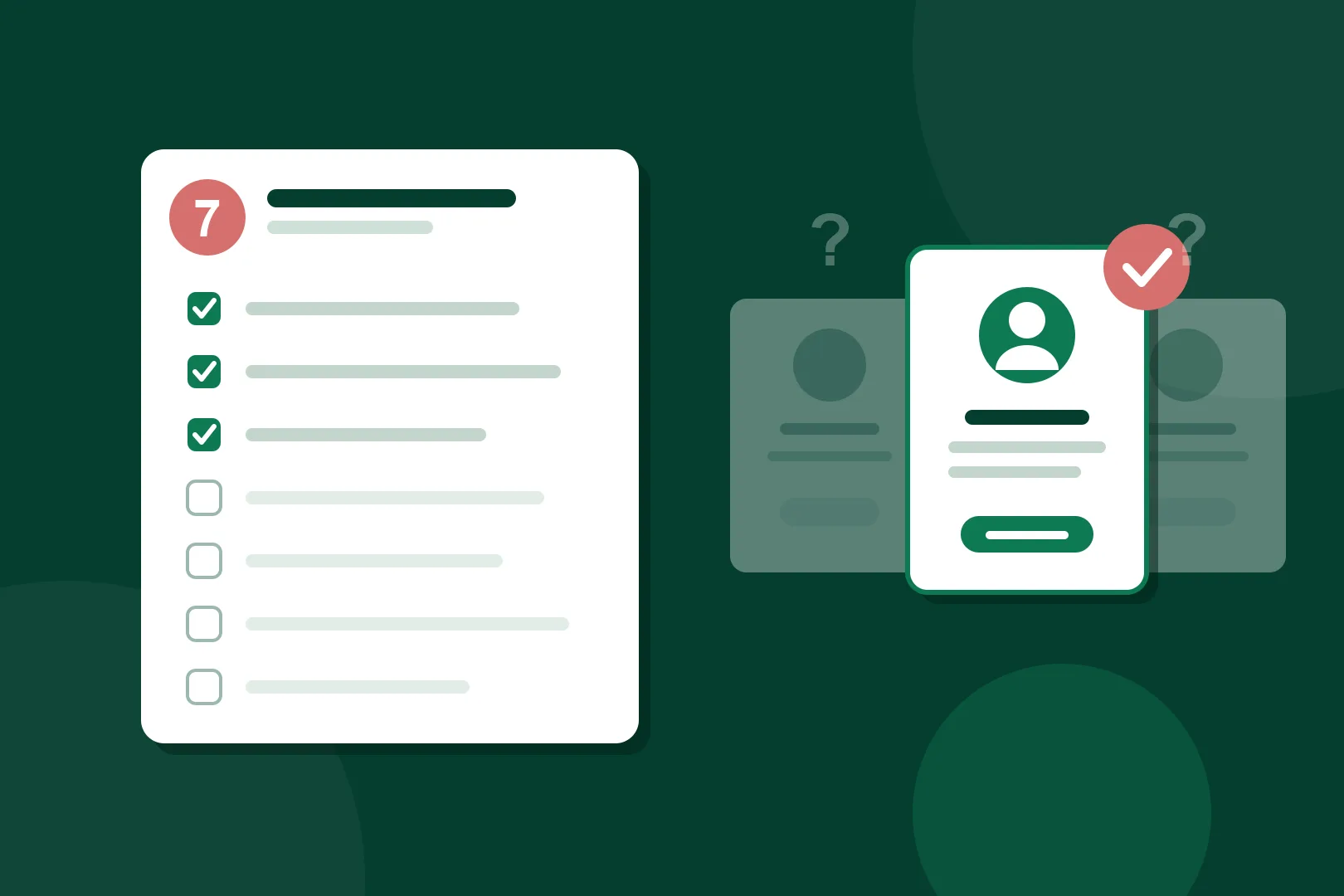
Seven questions worth asking
1. Have you done this for an organisation like ours?
Not “do you have case studies” — every firm has case studies. Ask for one that resembles you in the ways that matter: similar size, similar sector, and critically a similar workforce shape. An intranet for 200 office workers is a fundamentally different problem to one for 2,000 staff where most are on a worksite, in a store or in a vehicle and never open a laptop.
2. Who will actually do the work?
The people in the sales meeting are frequently not the people who deliver. Ask who will be assigned, how much of their time you are getting, whether any of it is subcontracted or offshore, and what happens if that person leaves mid-project. There is nothing wrong with a small team — there is something wrong with not being told who it is.
3. What happens after launch?
This is the question that separates a project from an outcome. Intranets decay: content goes stale, nobody owns the news, permissions drift, and eighteen months later staff are complaining about the same things that prompted the original project. Ask what handover includes, whether you get documentation and training, who owns content after go-live, and what ongoing support looks like — ours is SopeCare, but the point is that they should have an answer.
4. How do you handle governance and permissions?
Ask this even if it sounds like someone else’s problem, because it will become yours. A consultant who cannot explain their approach to permissions, external sharing, site provisioning and retention in plain language is going to leave you with a structure nobody can maintain. This matters far more now that Microsoft 365 Copilot surfaces content based on existing permissions — sloppy access control stops being untidy and starts being a disclosure risk.
5. What will you tell us not to do?
Our favourite question, and the most revealing. A consultant worth hiring will push back on something: a feature that will not get used, a migration of content that should be archived instead, a timeline that does not allow for change management, a custom build where a standard capability would do. Anyone who agrees with every idea you float is selling hours, not judgement.
6. How does licensing affect what you are proposing?
A great deal of SharePoint work can be done with licences you already hold. Some of it — premium connectors, Dataverse, certain Viva modules — cannot. A good partner raises this during design, not in an invoice. Ask them to be explicit about anything in the proposal that requires licensing you do not currently have.
7. Can we talk to a client you did not put in the case study?
Curated references are still useful, but the request itself tells you something. Firms confident in their delivery generally find someone. It is also worth asking for a client whose project went badly at some point and what they did about it — every consultancy has one, and the honest answer is more reassuring than a perfect record.
Warning signs
- A fixed price before anyone has understood the problem. Either the number is padded or the scope is thin enough to be argued about later.
- Demos of somebody else’s intranet presented as a plan. Screenshots are inspiration, not a design.
- Heavy customisation as the default answer. Custom code is a liability you maintain forever; it should be a considered choice, not a reflex.
- No mention of adoption or change management. A technically perfect intranet nobody uses is a failed project.
- Vagueness about who owns what you have paid for. Get clarity on intellectual property, tenant access and whether anything is locked to a proprietary product.
- Certifications instead of answers. Partner badges indicate a relationship with Microsoft, not that this team will do good work for you.
Consultancy, in-house, or a large systems integrator?
Three genuine options, with honest trade-offs. A specialist consultancy brings pattern recognition from many similar projects and can usually move quickly; the risk is capacity and continuity if the firm is small. Building in-house gives you people who understand your business deeply and never leave the building; the risk is that they have never seen how anyone else solves this, and SharePoint rewards experience. A large systems integrator offers scale, procurement comfort and someone to sue; the risk is cost, slower cycles, and junior people on the ground while the senior names appear in the pitch.
Plenty of organisations use a combination — a consultancy to design and build, in-house staff to own and run it. That is often the healthiest arrangement, and any consultant who is uncomfortable with it is telling you something about their business model.
When you probably do not need a consultant
If you have a small team, straightforward requirements, and someone internally with genuine interest and time, you may not need anyone. Microsoft 365 includes capable templates and Microsoft’s own documentation is good. Spending a few thousand dollars is hard to justify when the honest answer is “create three communication sites and agree where things go”.
Consultants earn their money when the problem is bigger than the technology: many stakeholders who disagree, content that has accumulated for a decade, a workforce that is hard to reach, compliance obligations, or a previous attempt that failed and left people cynical. If none of those apply, start yourself and get help when you hit a wall.
How engagements are usually structured
Most SharePoint work falls into three shapes. Fixed-scope project work suits a defined outcome such as an intranet build or a migration, and is typically staged so you can see progress and stop if it is not working — ours runs Design, Build, Refine, Launch, Hypercare. Retained support covers the ongoing health of an environment once it is live. Blocks of consulting time — we sell these as pre-paid packs — suit organisations who mostly manage themselves but want expertise on tap.
Whichever shape, insist on knowing what “done” means for each stage and what is explicitly out of scope. Most disputes come from that, not from rates.
Where to start
Shortlist two or three firms, give each the same brief, and pay attention less to the polish of the response than to the quality of the questions they ask you. The right partner will be trying to understand your organisation before they propose anything.
If you would like to see the kind of work we do, the SharePoint Look Book has real intranet designs and our case studies cover organisations from community services to national retail. When you are ready to talk, our SharePoint consultants are happy to have the initial conversation without a proposal attached — or just get in touch.



-min-min.webp)